
A practical low-carb fruit list for everyday tracking
Fruit can fit into a lower-carbohydrate way of eating, but the type and portion both matter. This guide covers useful choices, forms to watch and a simple way to compare entries in your tracker.
What makes a fruit low in carbohydrate
There is no single official line that separates low-carb fruit from every other fruit. In everyday use, the phrase usually means fruits that provide less carbohydrate for a similar serving than sweeter or starchier choices. Your preferred daily target and the portion you eat will decide what fits.
Fruit contains natural sugars, fibre and water in different amounts. Watery fruits and fruits with plenty of fibre often provide less carbohydrate per mouthful, while dried fruit is more concentrated. Check whether your tracker shows total carbohydrate or carbohydrate after fibre has been deducted, because the figures are not interchangeable.
- Compare the same weight or the same practical serving.
- Check whether an entry is for raw, cooked, dried or tinned fruit.
- Notice whether the skin, stones or seeds are included in the logged weight.
- Use the carbohydrate figure that matches the method you normally track.
Fruits that are often lower-carb choices
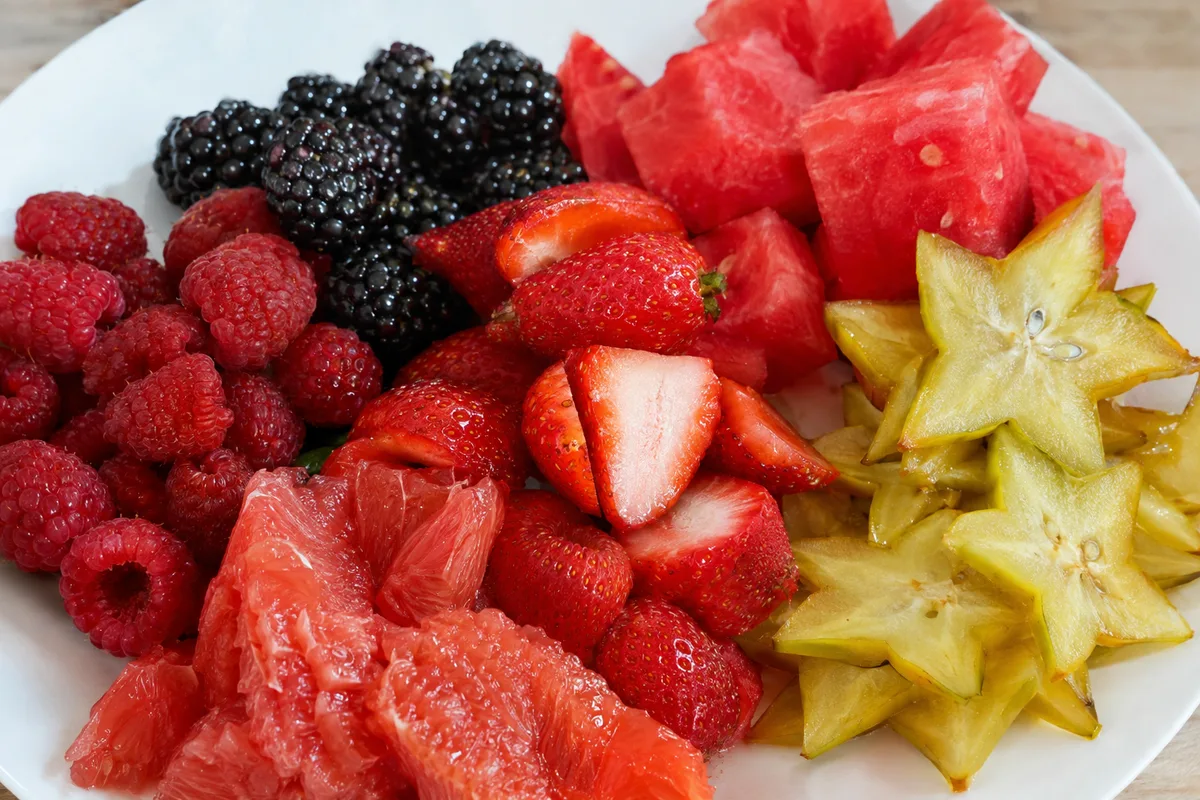
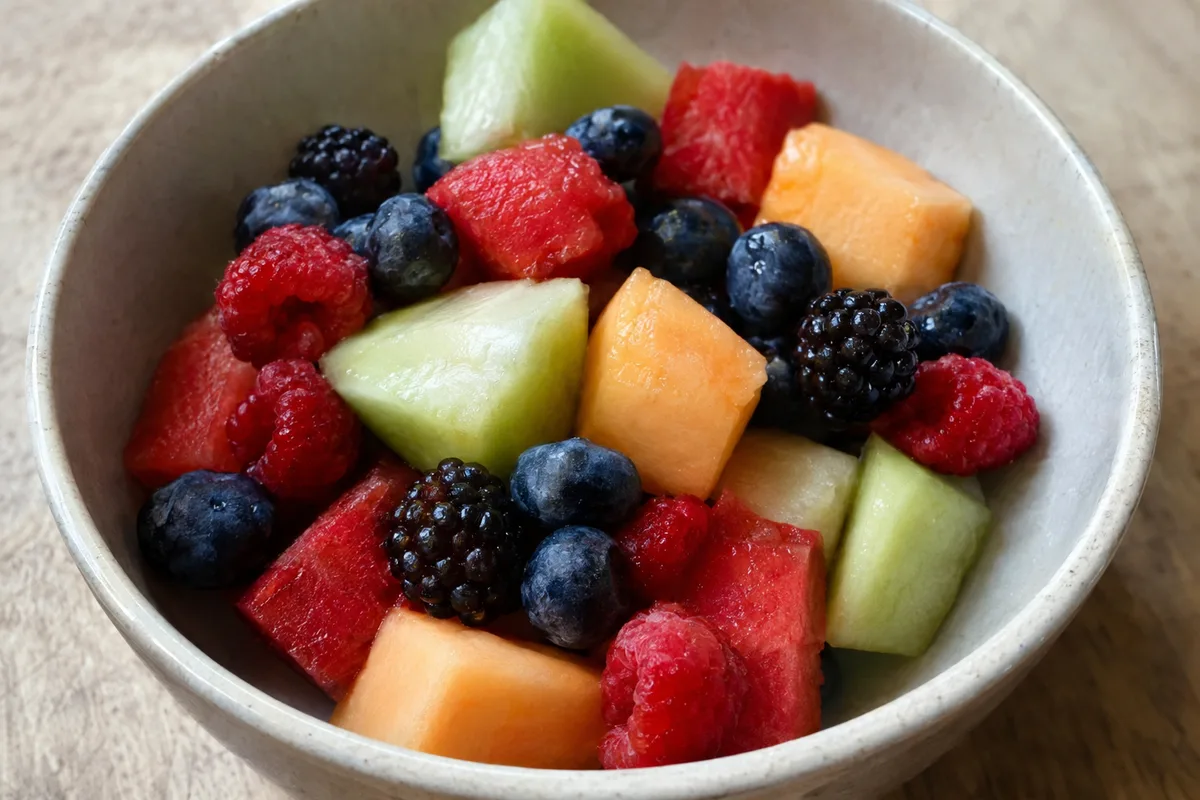
Berries are a useful starting point because they tend to combine water, fibre and strong flavour. Melons and some citrus fruits can also work well when the serving is kept in view. The exact carbohydrate amount depends on the variety, ripeness and portion.
These fruits can be eaten alone or added to meals without needing a large serving for flavour. A few berries can brighten yoghurt, while citrus segments can add sweetness to a salad. Log the amount you actually eat rather than relying on a generic description such as one bowl.
- Raspberries, blackberries and strawberries
- Watermelon and other fresh melons
- Grapefruit and other less-sweet citrus fruits
- Fresh cranberries without added sugar
- Star fruit, where available
Savoury fruits worth including
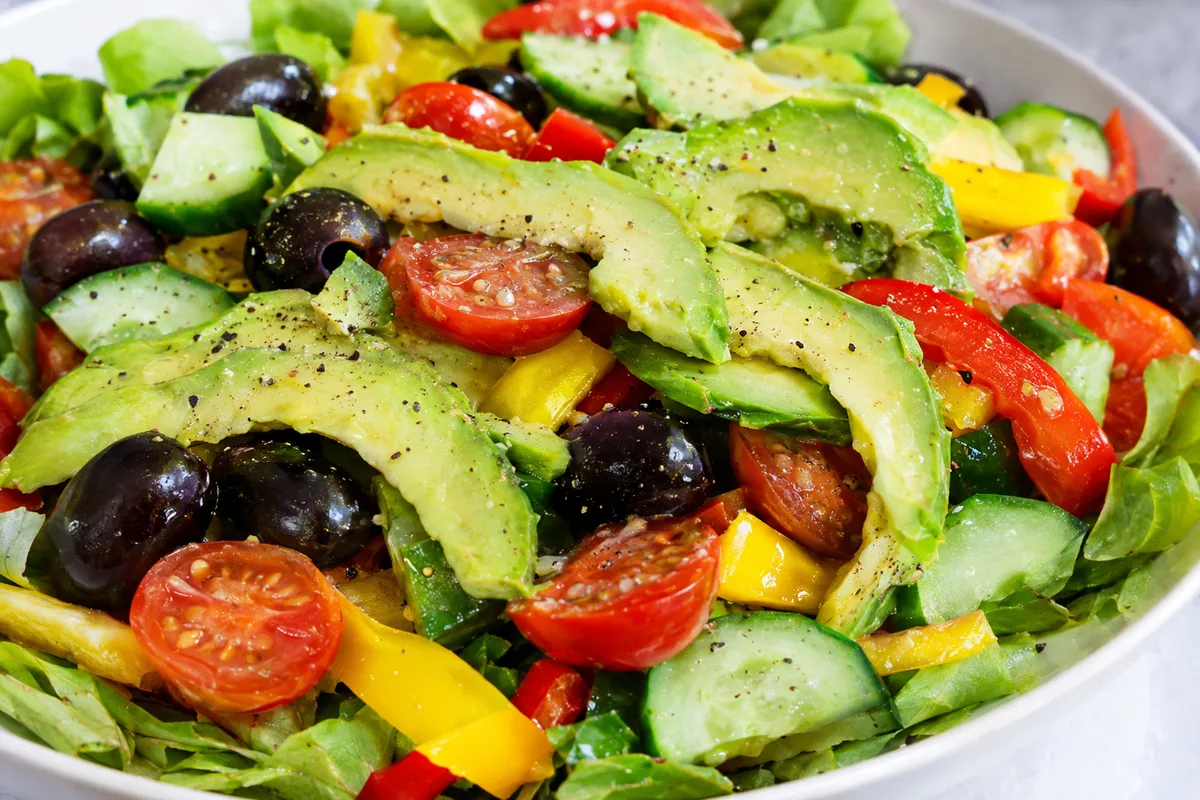
Some foods used like vegetables are botanically fruits. Avocado, olives and tomatoes are generally lower in carbohydrate than many sweet fruits, although they have very different textures and uses. They can make a lower-carb meal feel more varied.
Avocado and olives contain more fat than most fresh fruit, so carbohydrate is not the only diary entry to notice. Tomatoes vary from small sweet varieties to larger, more watery ones. Choose the correct tracker entry and include any oil, dressing or filling separately.
- Avocado in salads, dips or as a topping
- Olives served plain or with herbs
- Fresh tomatoes in salads and cooked dishes
- Cucumber in salads, cold dishes or snacks
- Peppers added raw, roasted or cooked
Fruit forms that can change the numbers
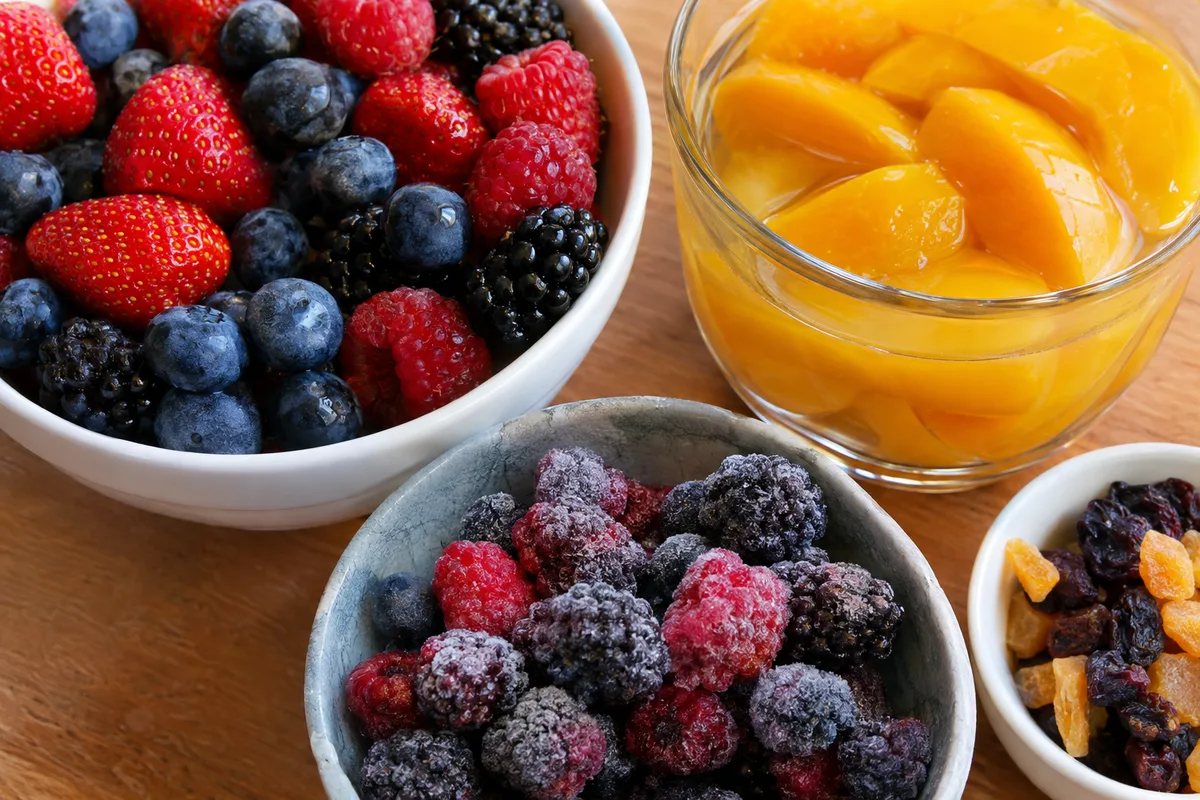
The same fruit can look very different in a food diary depending on how it is prepared. Removing water makes dried fruit compact, so it is easy to eat more carbohydrate in a few mouthfuls. Juicing also makes a larger amount of fruit quick to consume and removes much of the structure of the whole fruit.
Tinned and frozen fruit can still be practical choices, but read the description carefully. Some products contain added sugar or syrup, while others contain only fruit or water. Smoothies also need to be logged by ingredient because the carbohydrate comes from everything blended into the drink.
- Choose whole fresh fruit when you want a more obvious portion.
- Check frozen fruit for added sweeteners or other ingredients.
- Look for tinned fruit packed in water or its own juice rather than syrup.
- Log dried fruit by its dried weight, not as the equivalent fresh fruit.
- Enter every fruit, drink and extra ingredient used in a smoothie.
How portion size changes the result
A lower-carb fruit can still contribute a substantial amount if the serving is large. Equally, a smaller serving of a sweeter fruit may fit your plan more easily than a very large serving of a lower-carb option. The useful comparison is the amount you will actually eat.
Weighing or measuring can help while you learn what your usual servings look like, but it does not have to become the focus of the meal. Once you recognise your regular bowl, handful or number of pieces, you can save a personal serving in your tracker. Recheck occasionally because fruit size and your portions can change.
- Pick the fruit before deciding the serving.
- Log the edible portion rather than peel, stones or discarded parts.
- Use a verified database entry where your tracker provides one.
- Save repeat meals only when the ingredients and portions are genuinely similar.
Build a list that suits your carbohydrate target
A useful low-carb fruit list is personal rather than a set of foods that everyone must follow. Review the fruits you already log and compare their carbohydrate contribution for your normal servings. Keep the options that give you the flavour, texture and convenience you want.
Higher-carbohydrate fruit does not need to be labelled bad or forbidden. You might choose a smaller portion, eat it less often or pair it with a meal where it fits your planned total. Your diary can show which approach works with the rest of your food.
Variety still matters, so avoid reducing your list to a single fruit simply because its carbohydrate entry is low. Rotate berries, citrus, melon and savoury fruits according to season and preference. The best working list is one you can track consistently and enjoy eating.
- Create a shortlist from fruits you already like.
- Record the serving you normally eat beside each fruit.
- Separate fresh, dried, juiced and tinned entries.
- Review the list when seasons or eating habits change.