
Save any recipe from anywhere.
Paste a link from TikTok, Instagram, YouTube or any website. Nutrition per serving appears automatically.


Free to start. No card needed.
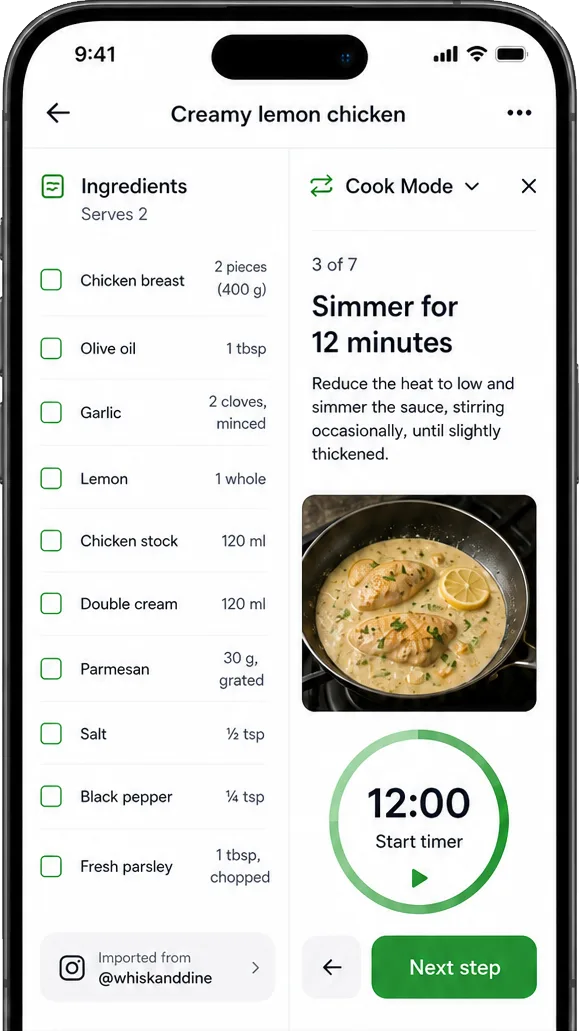
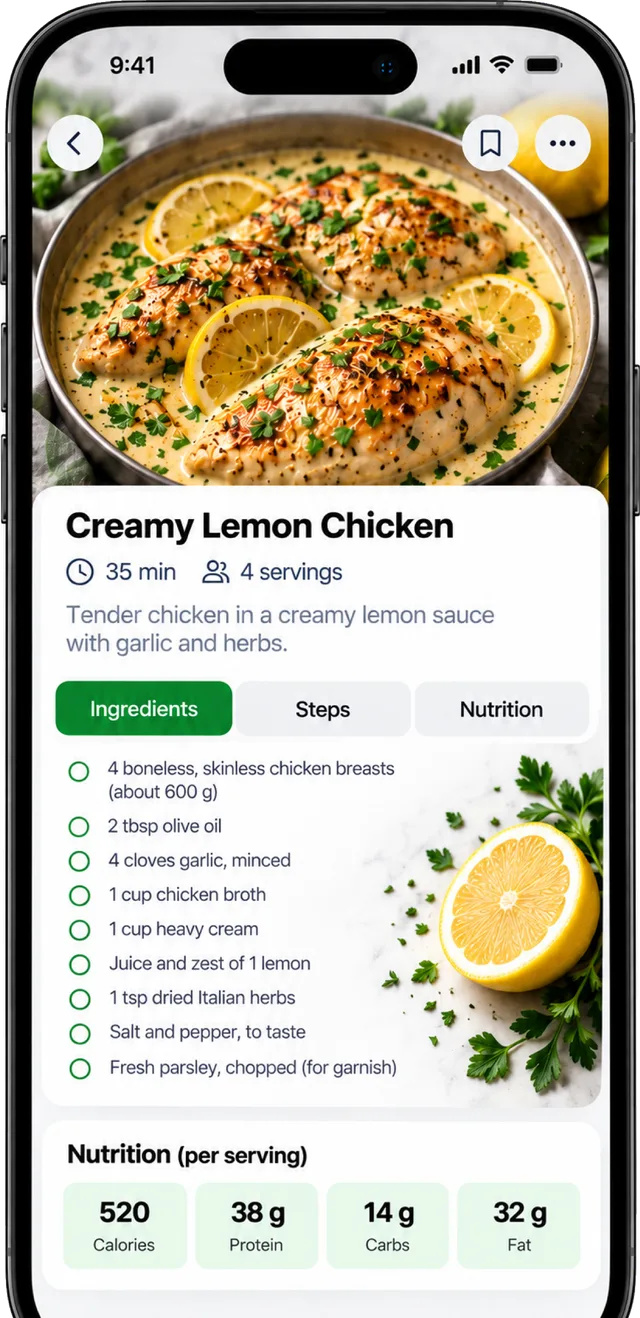
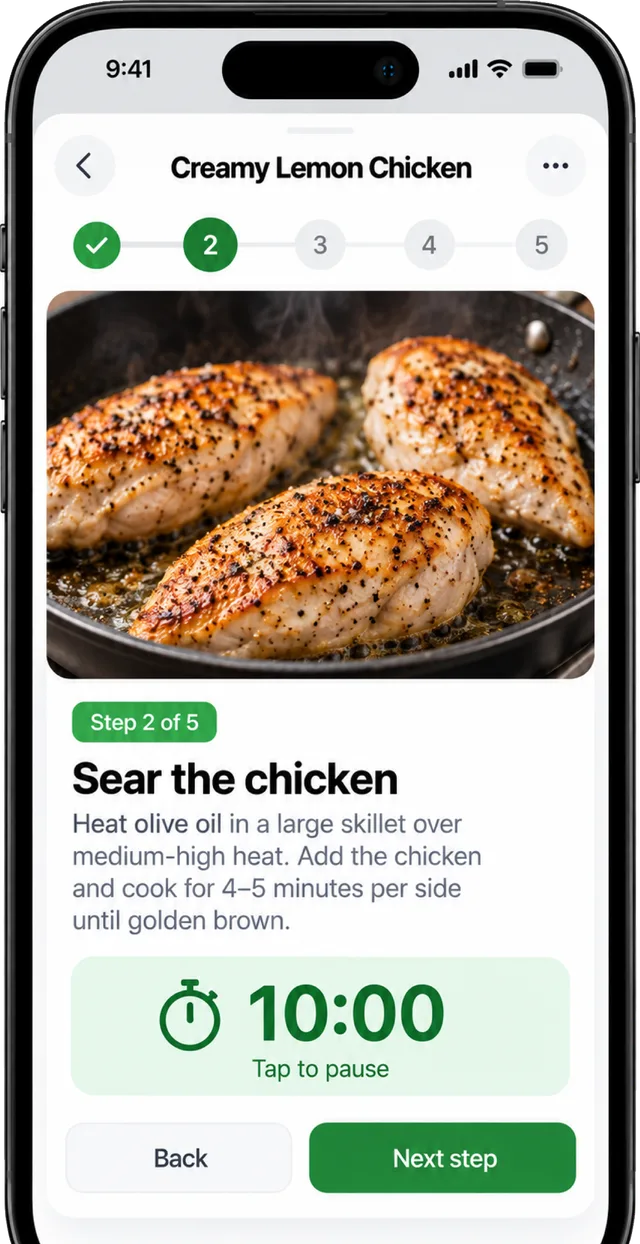
Share a link to Calori and the recipe arrives clean: ingredients, steps, servings and the nutrition per portion. Photograph a cookbook page or a dish and it becomes a recipe too. Cook mode reads step by step, runs the timers and translates on the fly. Bookmark, tag, rate and share — your kitchen library grows from the things you actually want to cook.
Free · more on Premium — Free with a daily or weekly AI allowance; Premium makes it generous and uses the best model. See pricing
What you get
- Import from TikTok, Instagram, YouTube, Facebook, Pinterest and any URL
- Scan a cookbook page or photograph a finished dish
- Nutrition per serving, calculated for you
- Cook mode with steps, timers and translation
- Log a serving to your diary in one tap
- Video imports: weekly allowance free, 50 a month on Premium
How it works
- Share the link (or photo) to Calori from any app.
- Check the ingredients and servings — edit anything.
- Cook, plan or log a serving.
Questions
Do you copy the recipe's photos?
Recipe photos are stored on Calori's own servers only when we are allowed to — never hotlinked from the publisher. Your own photos are always yours.
Goes well with

Everything for eating well, in one app.
iPhone, Android, Apple Watch and the web. Every session is a real account, and your data is always yours.