
Fitbit or Apple Watch: which fits your routine?
Fitbit and Apple Watch can both add activity information to the food records you already keep. The better choice depends on your phone, preferred features and how much attention you want to give the device.
Start with what you want the watch to do
Fitbit and Apple Watch are names for ranges of devices rather than two identical products. Features differ between models, and some services can also depend on your region or account. It helps to compare specific models only after deciding what matters in your daily routine.
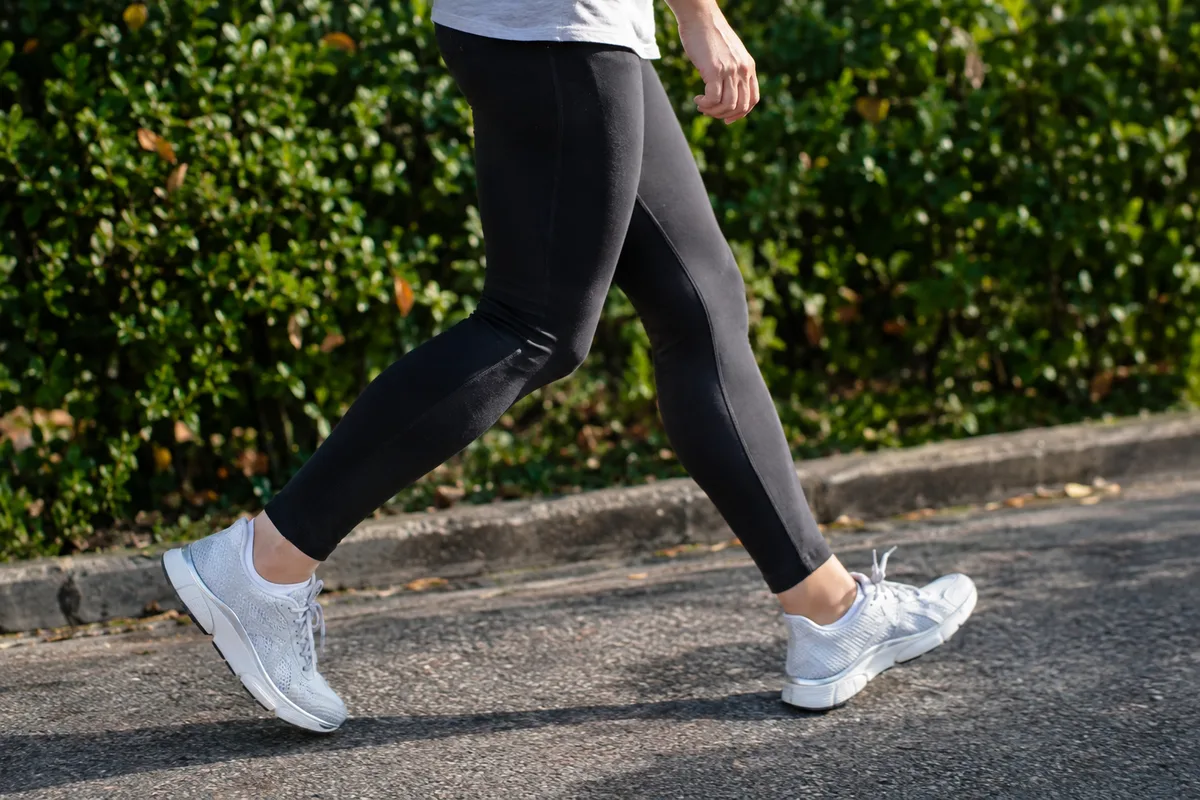
Fitbit devices generally put activity, sleep and simple progress summaries at the centre of the experience. Apple Watch combines activity tracking with a broader set of phone-linked functions and apps. Either approach can work alongside food tracking, but one may feel more focused than the other.
- Choose Fitbit if you mainly want straightforward activity and sleep information
- Consider Apple Watch if you want close links with phone apps, messages and other Apple services
- Check the exact model for the sensors and workout modes you expect to use
- Decide whether you prefer simple summaries or more settings and app choices
Your phone may decide the comparison
Apple Watch is designed to pair with an iPhone. If you use another type of phone, it is not the practical choice. Its advantage for iPhone users is that notifications, calendars, calls and compatible apps can work together closely.
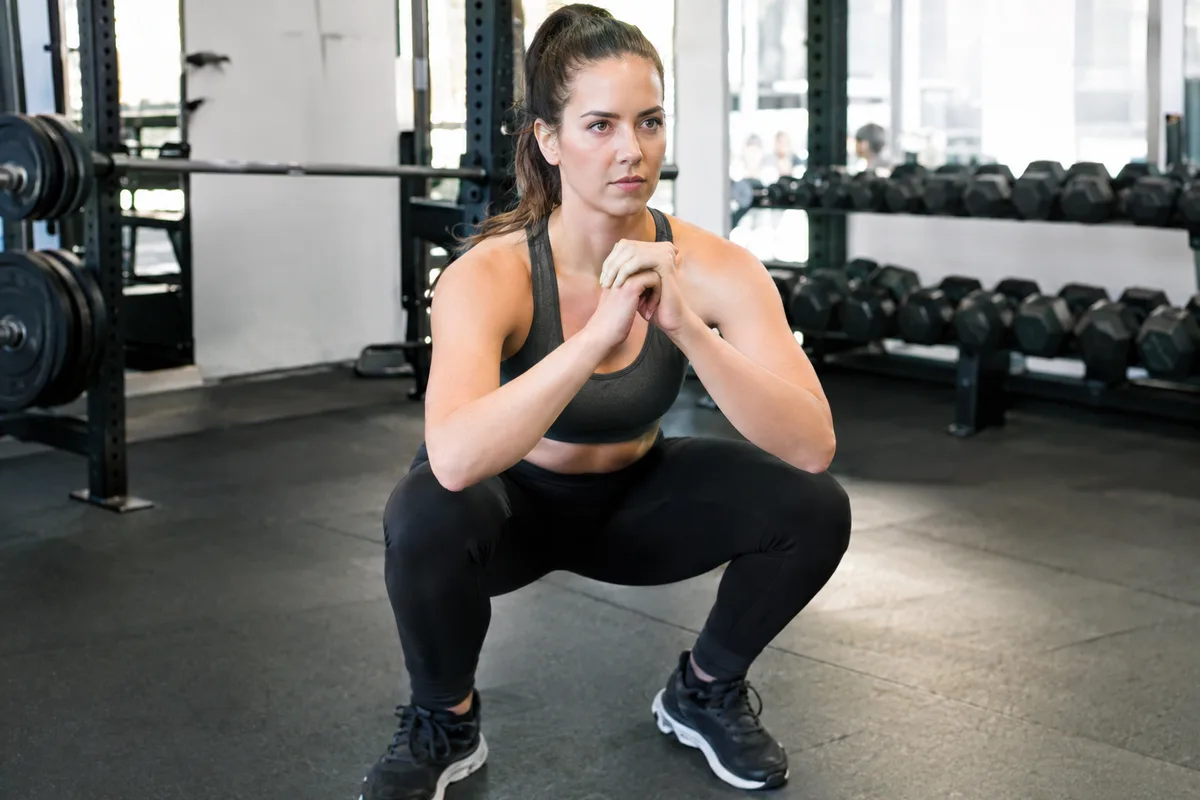
Fitbit devices support a wider choice of phones, although compatibility still varies by device and operating system version. The Fitbit app brings activity, sleep and other recorded information into one place. Before choosing, check that your phone supports the particular Fitbit model and every feature you care about.
- Confirm that your phone and operating system are supported
- Check whether your preferred food-tracking app can exchange data with the watch platform
- Look at which permissions are needed to share steps, workouts or energy estimates
- Consider whether you want messages and calls on your wrist or fewer distractions
How they work with calorie tracking
Both platforms can estimate energy used from information such as movement, recorded workouts and personal details. These figures are estimates rather than direct measurements of what your body has used. The result can change according to the device, the activity and how the watch is worn.
If your food log imports activity energy, avoid treating every added calorie as an exact amount available to eat. A long walk or workout may raise your estimated needs, but the number depends on the person and the quality of the recorded data. Look at patterns across several days rather than reacting to one unusually high or low reading.
Fitbit tends to show food and activity within its own daily summaries, while Apple Watch usually passes activity information through Apple Health or compatible apps. The smoothest option is the one that connects reliably with the food tracker you already use. Check which information moves in each direction so that the same workout is not counted twice.
- Keep your personal details and usual activity setting up to date
- Wear the device consistently when comparing daily patterns
- Check for duplicated workouts after linking apps
- Treat activity calories as a guide, not a precise food allowance
Workouts, movement and progress
Both ranges can record common activities and show details such as duration, pace and heart rate. The available workout types and measurements depend on the model. Automatic detection may help when you forget to start a session, but it can miss movement or record something incorrectly.
Apple Watch usually offers a broad workout interface and strong links with third-party fitness apps. Fitbit often presents activity through simpler goals, reminders and progress summaries. Your preferred style matters more than having the longest feature list.
Think about what happens during your usual activity. Runners may value route and pace information, while someone doing gym sessions may care more about quick controls and readable timers. For everyday walking, consistent step and movement trends may be enough.
- List the activities you record most often
- Check whether built-in route tracking is included on the specific model
- Consider how easy the screen is to use while moving
- Review whether the app presents progress in a way you understand
Battery life, charging and comfort
Battery life is one of the clearest practical differences. Many Fitbit models are designed to run for several days between charges, while many Apple Watch models need charging more often. The actual time depends on the model, display settings, route tracking and other features in use.
Longer battery life can make continuous wear and overnight sleep recording easier. More frequent charging may be manageable if it fits naturally into your morning or evening routine. A device that regularly sits off your wrist will leave gaps in the activity information sent to your food log.
Comfort also affects consistency. Case size, strap material and screen shape can feel very different during exercise, sleep or desk work. If possible, compare the dimensions and strap options before deciding.
- Work out when charging would fit into your day
- Check expected battery life with the features you plan to use
- Choose a case size that does not interfere with wrist movement
- Look for a strap material suited to exercise and overnight wear
Making the final choice
Fitbit is likely to suit someone who wants activity and sleep tracking with a relatively focused app and less frequent charging. Apple Watch may suit an iPhone user who wants detailed phone integration, a broad app selection and more wrist-based functions. Neither is automatically better for everyone.
Compare the exact models rather than relying on the brand name alone. Some features may require a separate membership, a particular phone or a supported region, so check what is included. Also consider how long the device is expected to receive software support.
For food tracking, reliable habits matter more than collecting the largest possible set of measurements. Choose the device you are comfortable wearing, charging and checking without letting estimates dictate every meal. Use its activity information as extra context alongside your food log, routine and longer-term trends.
- Pick Fitbit for a more focused tracking experience and typically longer battery life
- Pick Apple Watch for closer iPhone integration and a wider app environment
- Compare model-specific features rather than brand-level claims
- Choose the option that fits your existing tracking routine with the least friction