
A Quick Guide to Tracking an Arby’s Meal
Tracking an Arby’s meal is easier when you break the order into separate parts. A practical estimate is usually more useful than leaving the meal unlogged.
Start with the closest menu match
Check Arby’s official nutrition information for your location, as recipes, serving sizes and menu names can vary. Match the exact sandwich, side and drink where possible rather than choosing a general fast-food entry.
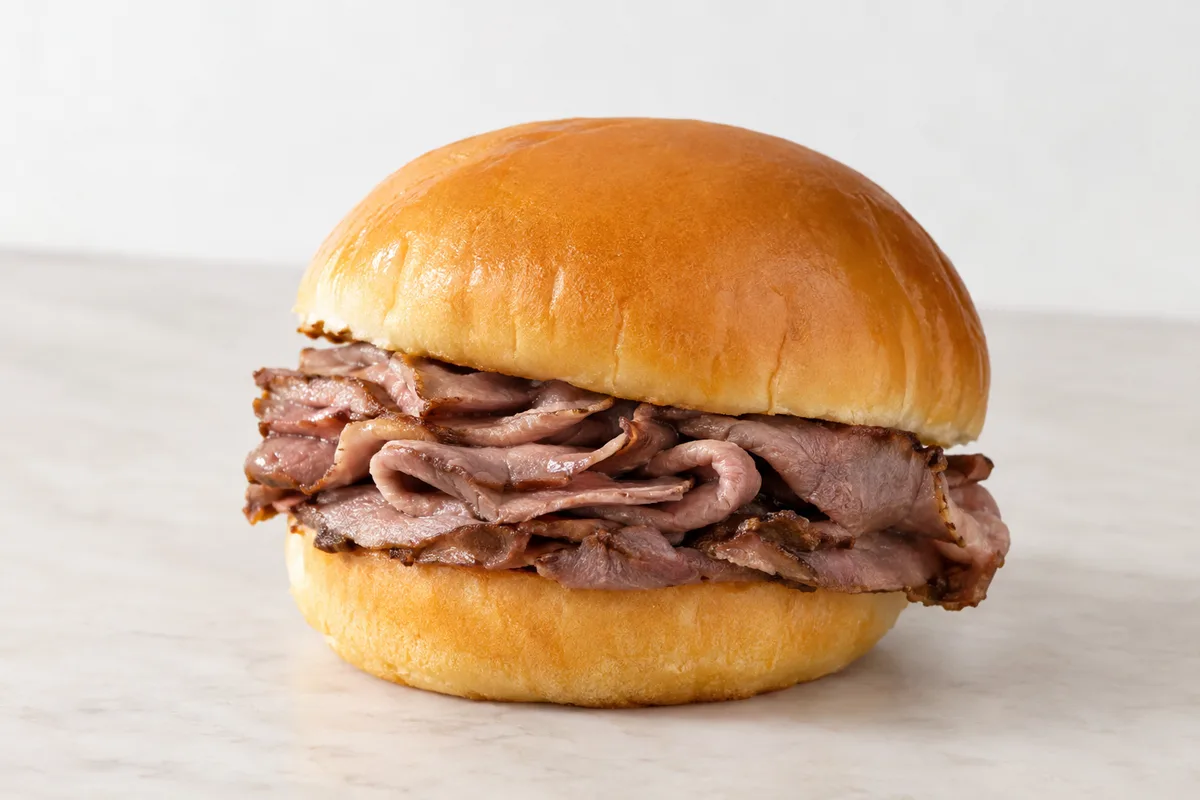
If the exact item is not listed in your tracking app, use the closest official menu item and adjust the portion. Save your chosen entry if you order it regularly, so you can log it consistently next time.
Log every part of the order
Enter the main item, side, sauce and drink separately. Cheese, extra meat, dressings and dips can be easy to overlook, but they still form part of the meal.
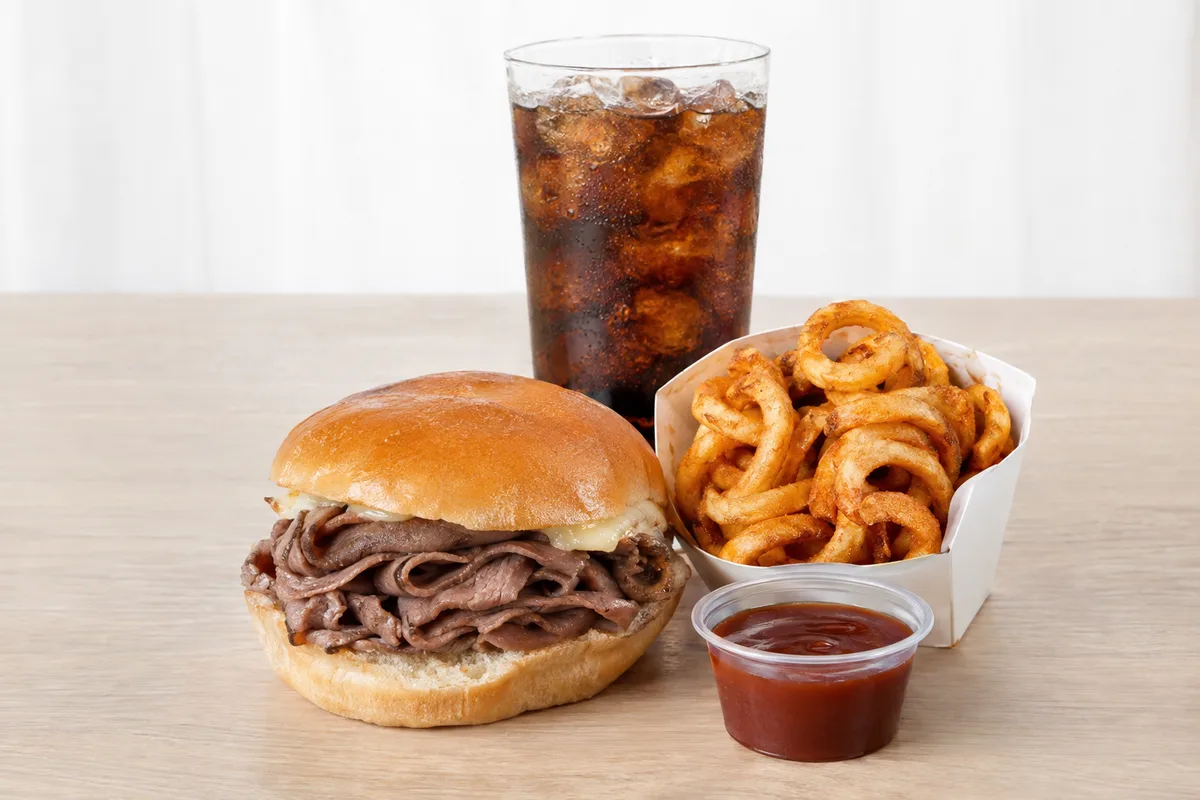
If you changed the standard order, edit the entry rather than logging the menu item unchanged. For a shared side or unfinished portion, record only your best estimate of what you ate.
Use portions you can recognise
Menu nutrition usually reflects a standard prepared portion, while the serving you receive may differ slightly. If precision matters to you, a kitchen scale can help with food taken home, although weighing is not required for useful tracking.
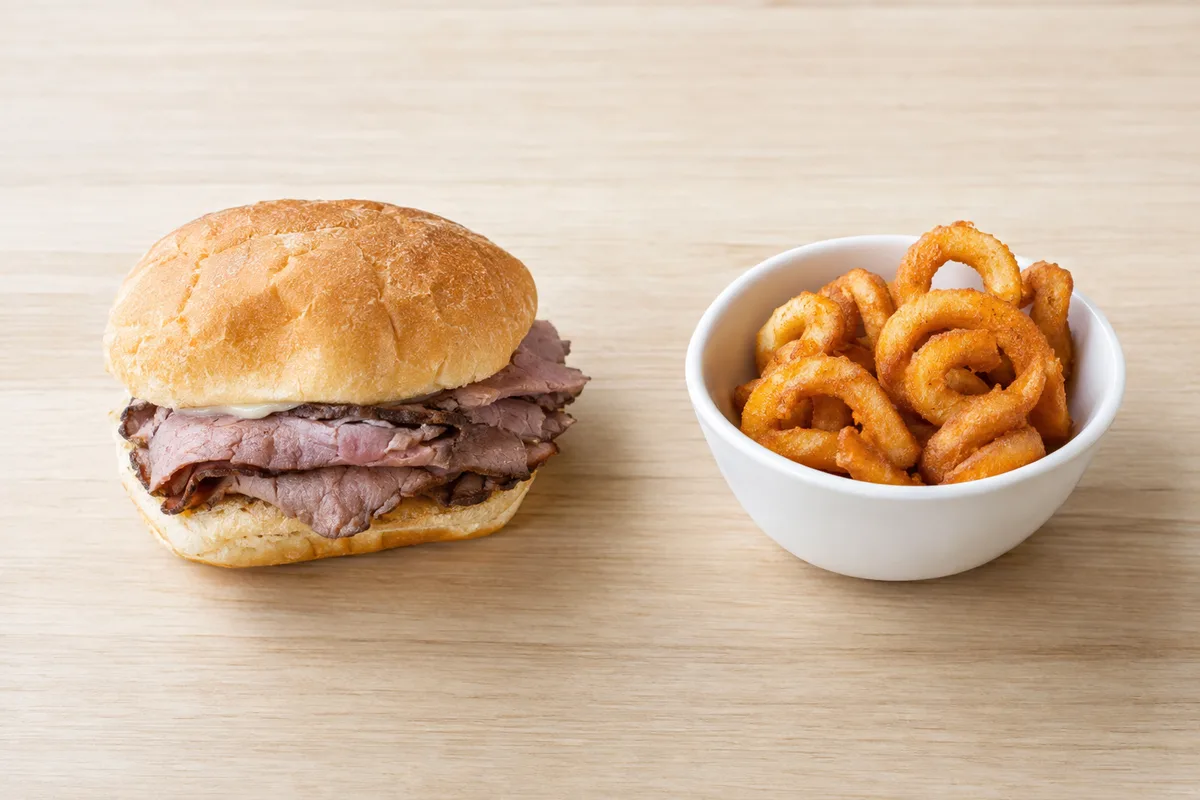
When you cannot measure the portion, use simple fractions such as half, three-quarters or one and a half servings. The right number depends on the item and how much you actually ate, so avoid false precision.
Look beyond the calorie total
Calories provide one useful measure, but protein, carbohydrate, fat, fibre and salt can add context to your log. Compare these details with the rest of your day rather than judging one order on its own.
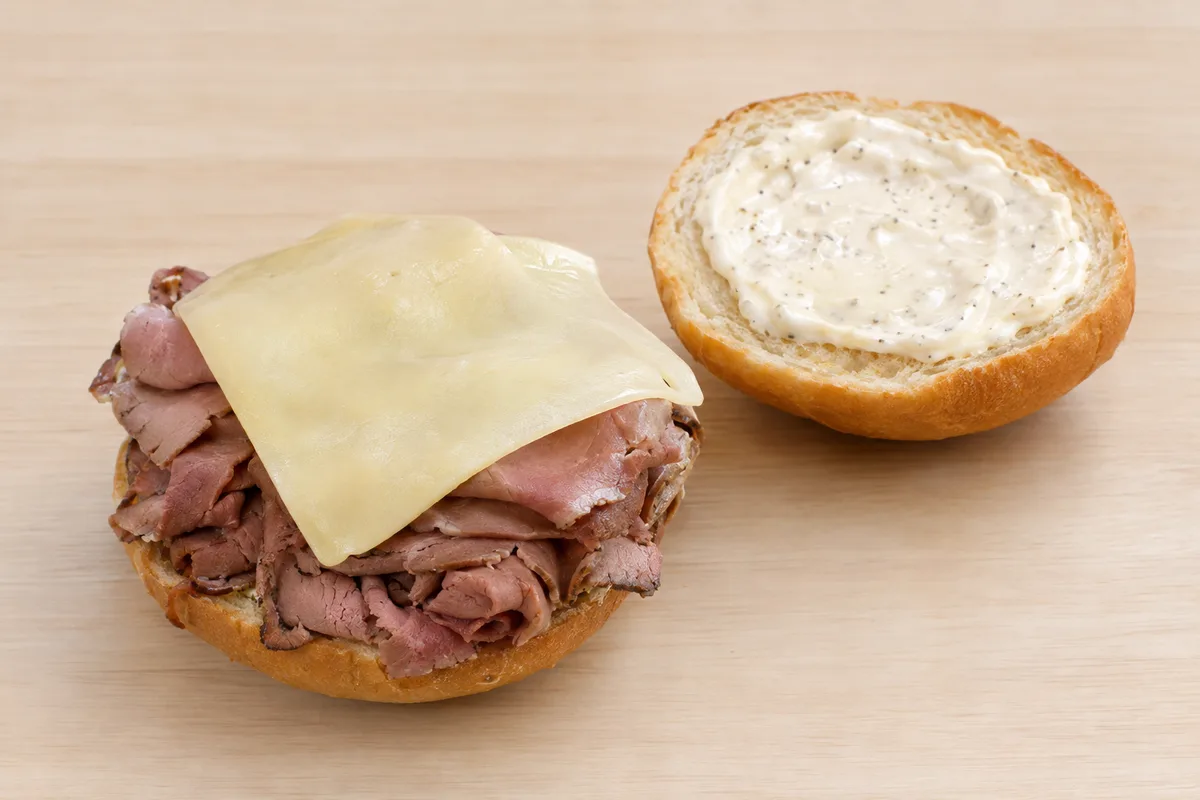
Treat the result as an informed estimate, not a perfect measurement. Consistent logging, including extras and portions, gives you a clearer record than repeatedly searching for an exact figure that may not exist.