
How to Choose a Diet-Friendly Meal at Panera Bread
A diet-friendly Panera Bread choice depends on what you track, how hungry you are and what else you eat that day. This guide explains how to compare soups, salads, sandwiches, bowls, sides and bakery items using current menu information.
Start with what diet-friendly means for you
There is no single Panera meal that suits every diet. You may be watching total energy, protein, fibre, saturated fat, salt or portion size. Decide which one or two points matter most for this meal before looking through the menu.
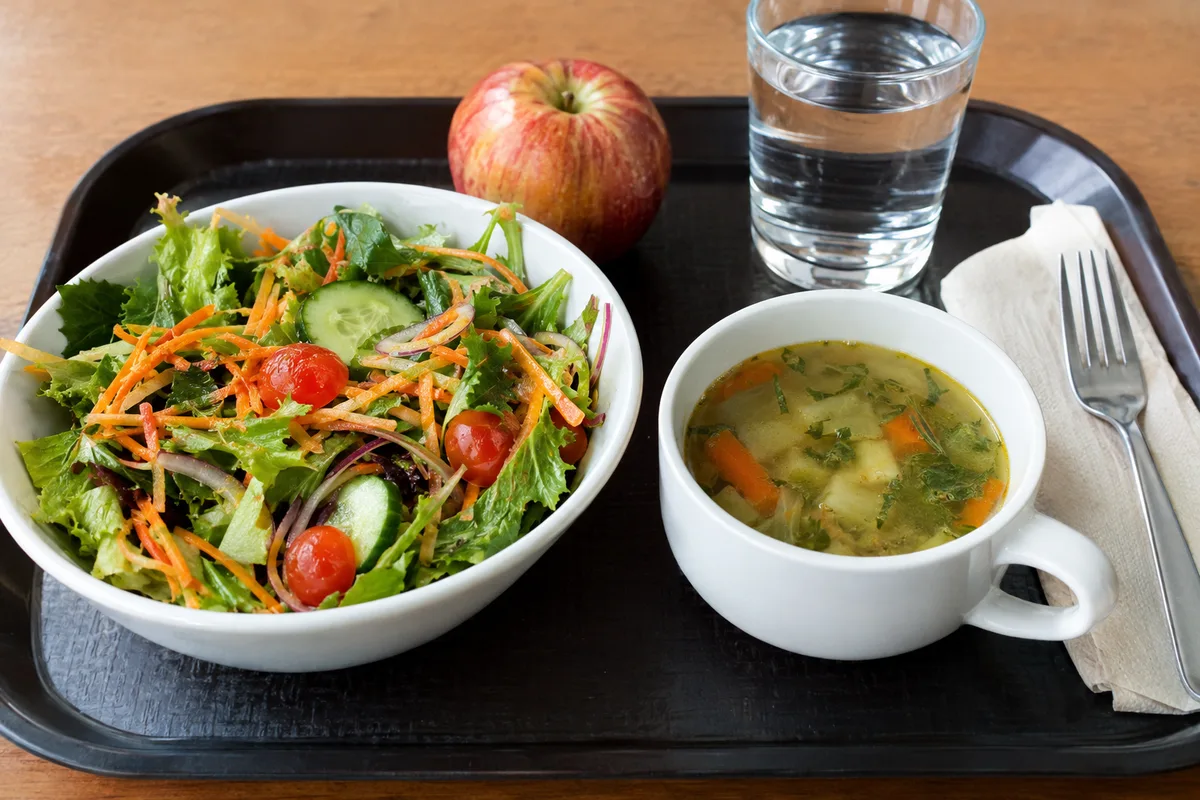
Use Panera Bread’s current nutrition and ingredient information alongside your usual food log. Recipes, serving sizes and local availability can change, so saved entries may not always match the meal in front of you. If you customise an item, adjust the logged entry where your tracker allows it.
Think about the meal in the context of your day rather than trying to make it perfect on its own. A lighter lunch may suit a planned dinner, while a more substantial meal may be useful when there is a long gap until you next eat. The right amount depends on the person and the situation.
- Pick the main figure you want to track for this meal
- Check the current serving size before logging it
- Include dressings, spreads, drinks and sides in the entry
- Match the portion to your hunger and the rest of your day
Build salads around substance, not just leaves
A salad can vary widely depending on its protein, grains, cheese, dressing and crunchy toppings. Leaves and vegetables add volume and fibre, but they may not make a complete meal by themselves. Look at the full ingredient list rather than assuming every salad is automatically a lighter choice.
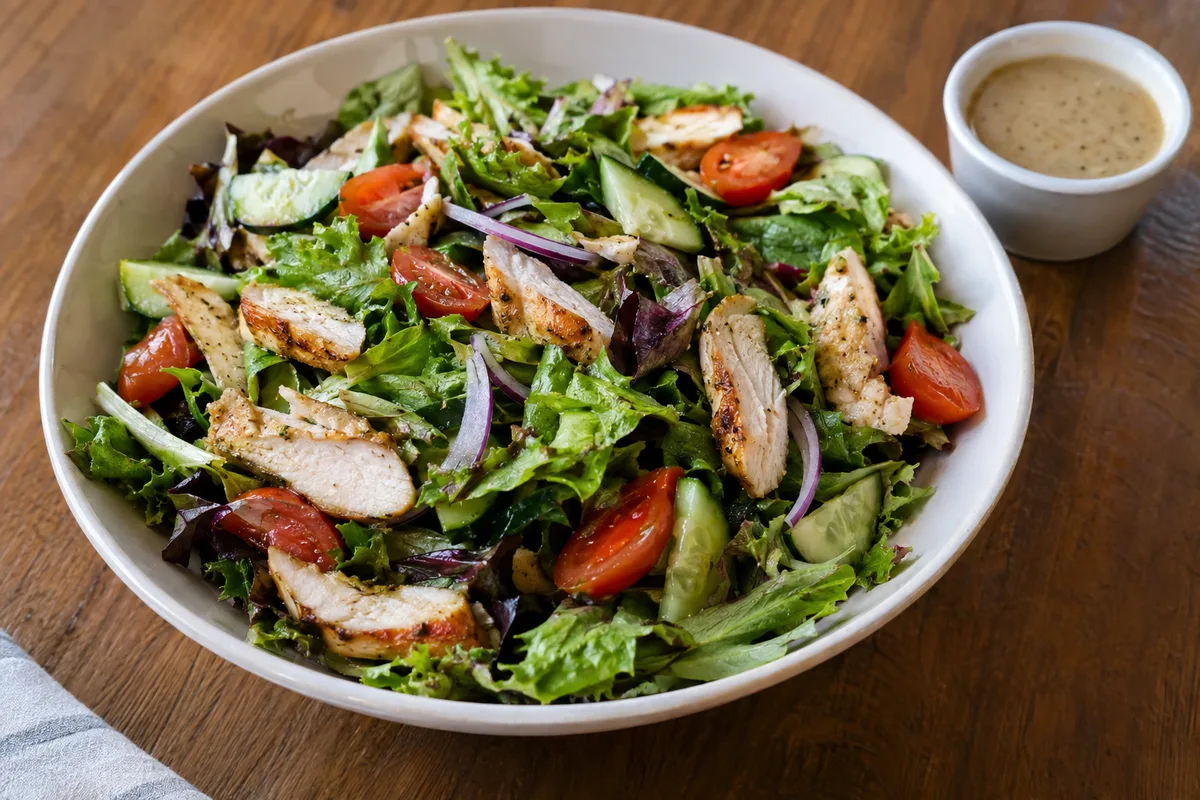
For a more filling salad, look for a clear protein source and a generous mix of vegetables. Chicken, egg or another listed protein can make the meal feel more substantial, while beans or whole grains may add both fibre and texture. The exact options depend on the current menu.
Dressings, cheese, nuts and crisp toppings can still fit your plan, but their portions matter when you track food. Keeping dressing on the side makes the amount easier to judge, and using only the amount you enjoy can reduce guesswork. Log any extras separately if the standard menu entry does not reflect your plate.
- Salad with a listed protein source and mixed vegetables
- Dressing served separately for easier portion control
- One favourite rich topping rather than several by default
- Fruit or another produce-based side when available
Compare soups, sandwiches and combination meals
Soup can be comforting and filling, but the nutrition varies with the recipe. Creamy bases, cheese and rich toppings usually create a different profile from broth-based soups with vegetables, beans or lean protein. Check the current listing instead of judging by the soup’s name alone.
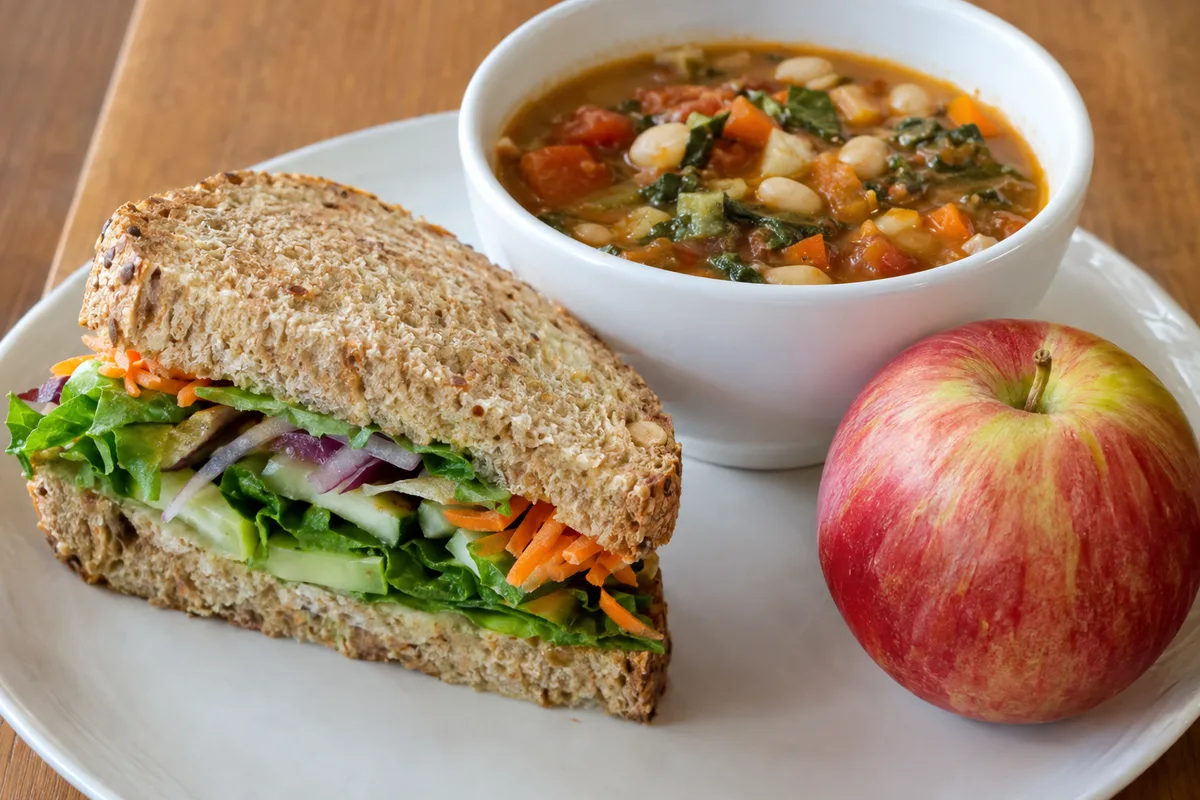
With sandwiches, the bread, filling, cheese, spread and added sauces all contribute to the final meal. A sandwich centred on vegetables and a defined protein source may be easier to fit into some plans than one with several rich fillings. Removing an ingredient is only useful if you will still enjoy the meal and feel satisfied.
A smaller soup-and-sandwich or soup-and-salad combination can provide variety without requiring two full portions. However, a combination is not automatically lighter because both components and the side still count. Enter each part in your food log so the record matches what you ate.
- Broth-based vegetable, bean or protein soup when it suits your targets
- Sandwich with plenty of vegetables and a clear protein filling
- A smaller combination when variety helps with satisfaction
- Mustard or a modest amount of spread in place of several sauces
- Apple or another simple side instead of an extra bread serving
Use bowls as a flexible meal framework
A bowl often combines grains, vegetables, protein, sauce and toppings in one dish. This makes the meal straightforward to assess because you can see the main building blocks. It also means that sauces, cheese and other finishing ingredients should not disappear from your food log.
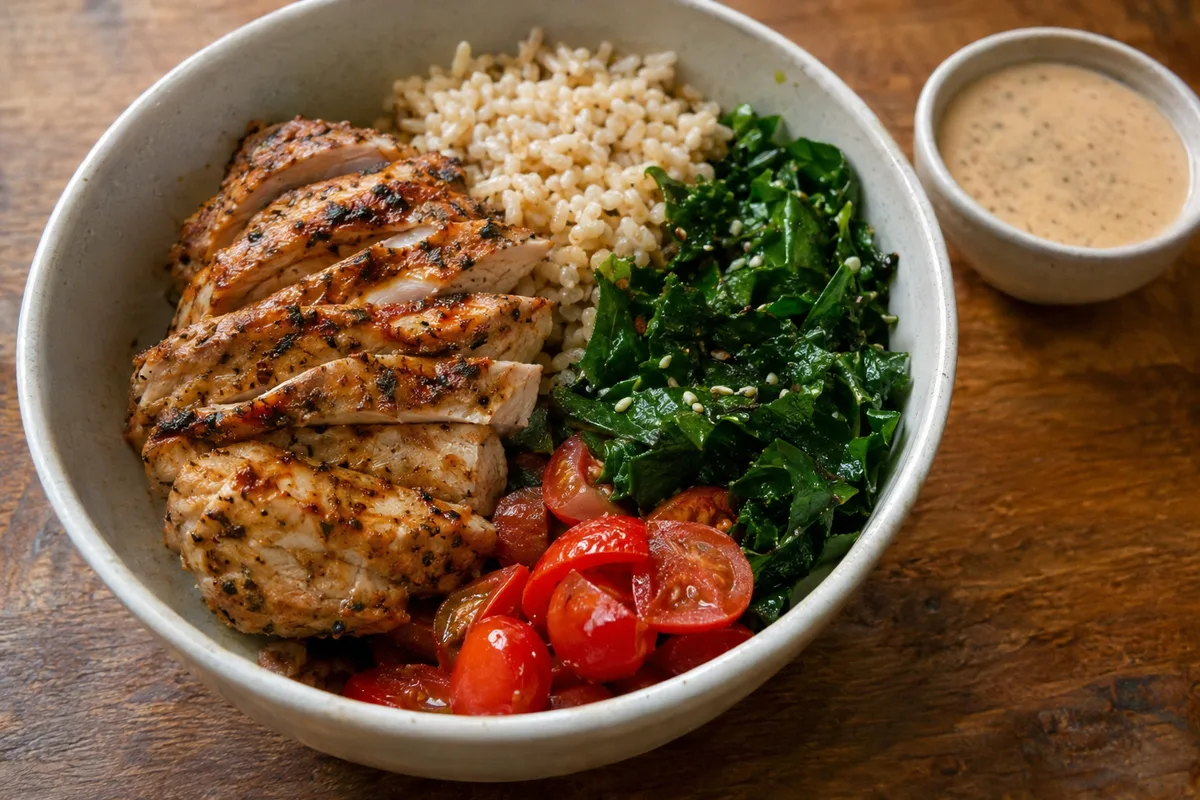
Start by checking whether the bowl contains enough protein and vegetables for your needs. Then consider the grain portion and richer additions in relation to what you are tracking. A bowl does not have to be low in carbohydrate or fat to be diet-friendly; it needs to fit your own targets and appetite.
Customisation can help when one ingredient is less important to you. Sauce on the side, fewer rich toppings or extra vegetables may make the balance suit your plan more closely. Avoid stripping away every enjoyable part, as a meal that feels unfinished can leave you looking for something else soon afterwards.
- Grain bowl with vegetables and a named protein source
- Sauce served separately when available
- Extra vegetables if the standard serving feels limited
- A smaller amount of cheese or another rich topping when it supports your target
Remember sides, drinks and bakery items
The main dish is only part of the meal you record. Bread, crisps, sweetened drinks and bakery items can change the overall balance, especially when they are treated as automatic extras. Include them deliberately rather than forgetting them in your log.
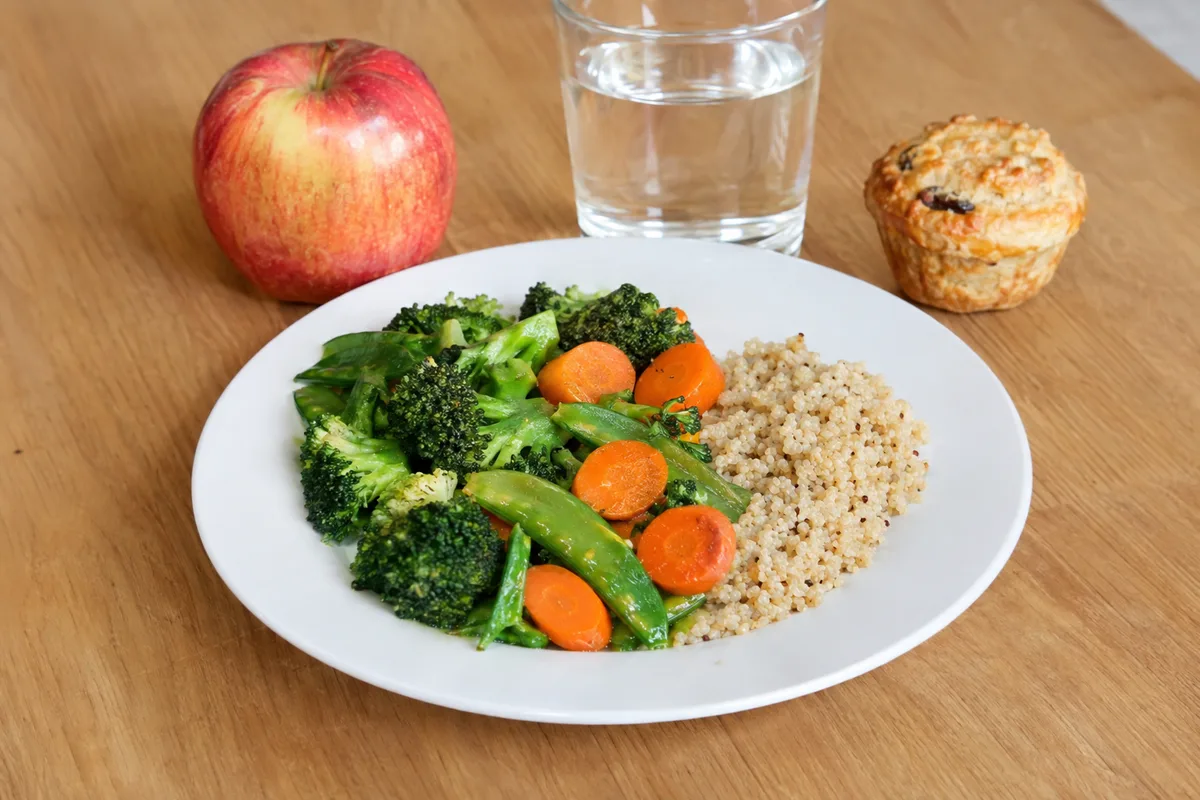
A simple side such as fruit may work well when the main dish already contains bread, grains or a rich sauce. Water, sparkling water, unsweetened tea or coffee without several additions can keep the drink straightforward to track. Your preferred choice still depends on your goals and what you genuinely want.
A bakery item does not need to be labelled good or bad. If it is the part you most want, you can account for it by choosing a simpler main meal, sharing it or saving part for later. Check the listed serving information because a single item may not match the portion you intend to eat.
- Choose the side rather than accepting it without thought
- Log milk, sweeteners and flavour additions in drinks
- Plan a bakery item as part of the meal, not as an invisible extra
- Save part for later when the full portion is more than you want
Make the food log match the actual meal
Restaurant entries in tracking apps are not always current or complete. Compare the entry with Panera Bread’s present menu information, paying attention to serving size and customisations. Choose the closest verified entry rather than the first search result.
Record the meal soon after eating while the details are clear. Note any dressing, sauce, side, drink or removed ingredient that made your plate different from the standard version. If an exact figure is unavailable, use a reasonable comparable entry and mark it as an estimate.
Your log is information, not a scorecard. Review whether the meal kept you satisfied, tasted worthwhile and fitted the targets that mattered that day. That feedback can guide your next Panera choice more reliably than choosing an item only because its name sounds light.
- Check the serving description against the food you received
- Edit extras and removals where the tracker allows it
- Save a customised entry if you expect to repeat the meal
- Add a brief note about hunger and satisfaction