
How to Measure Calories Burned During Pilates
Pilates calorie burn varies with the movements, pace, resistance, breaks and your body. This guide explains how to make a useful estimate and keep your food and activity log consistent.
Why Pilates calorie burn is difficult to measure
Your body uses energy throughout a Pilates session, but there is no single calorie figure that fits every class. A slow session focused on breathing and control will usually require less energy than a continuous sequence with demanding holds. The length of the session also matters, especially when warm-ups, demonstrations and rest periods are included.
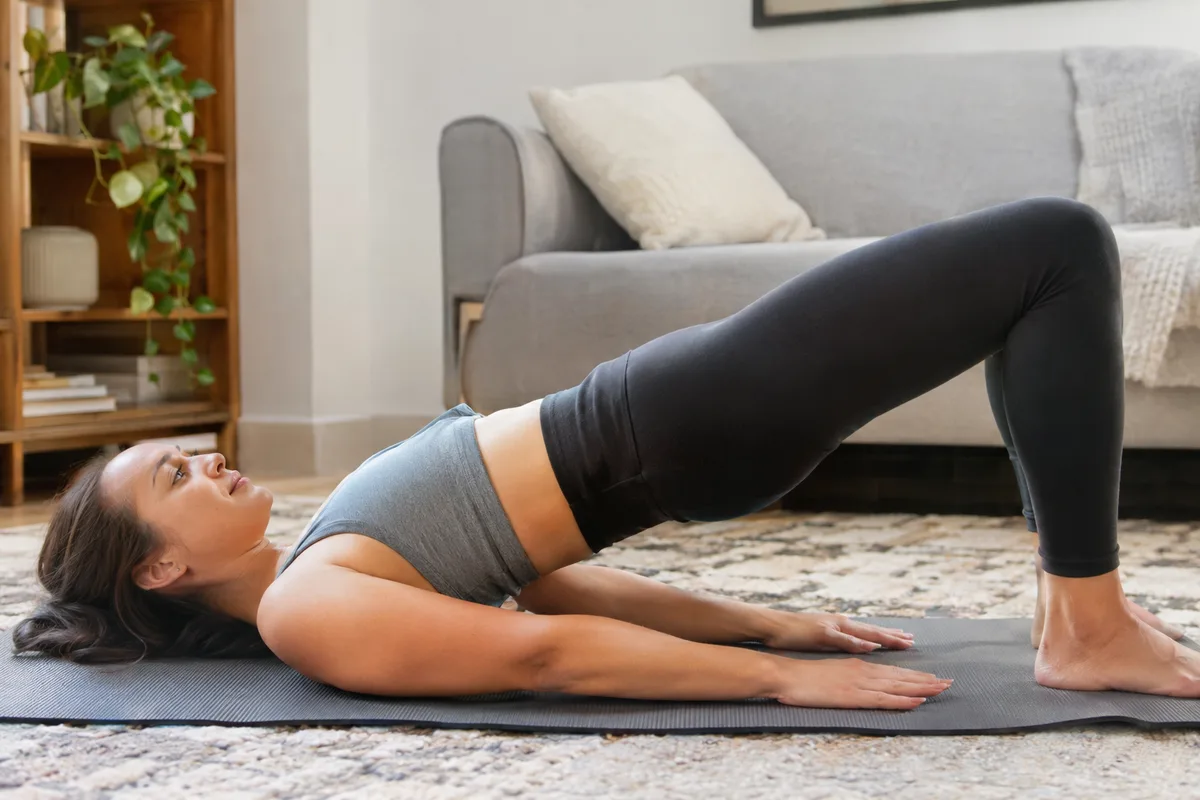
Calorie burn is also affected by body size, movement efficiency and how much muscle is working at once. Two people following the same instructor may use different levels of effort or take different breaks. Any number you record should therefore be treated as an estimate rather than a precise measurement.
- Session length
- Time spent moving rather than watching or resting
- Pace and difficulty of the exercises
- Resistance used during the session
- Your body size and individual movement efficiency
Choose a consistent way to estimate it
An activity tracker, an exercise calculator or the estimate shown by a logging app can give you a starting point. These methods use details such as body weight, session length, movement and sometimes heart rate. Their calculations differ, so changing methods regularly can make similar sessions look less consistent than they really are.
Choose one method and enter your details as accurately as you reasonably can. Select Pilates rather than a broad exercise category when that option is available. If the app asks for intensity, match the choice to the session itself rather than the class name.
- Use the same tracker or calculator for comparable sessions
- Enter the actual moving time when possible
- Update personal details when they change
- Check whether the result shows active or total calories
Judge the intensity of the session
Intensity describes how demanding the session feels and how continuously you are working. A class may feel light when it includes long explanations, gentle mobility and frequent resets. It may feel more demanding when exercises flow together, positions are held for longer or resistance makes each repetition harder.
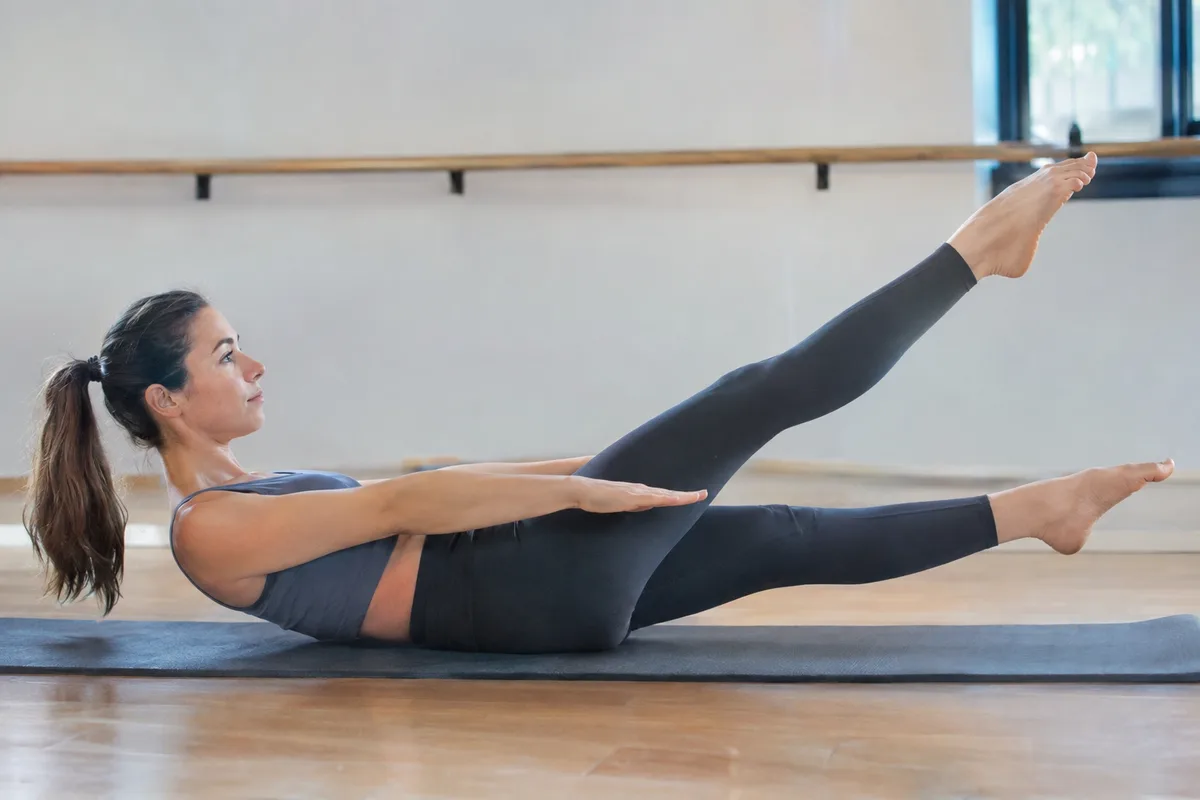
Breathing can help you judge effort without turning the session into a test. During lighter work, conversation generally feels easy, while more demanding sequences make speaking less comfortable. Controlled Pilates breathing can change this impression, so also notice muscle effort, pace and the amount of rest.
Do not label an entire session as vigorous because one short section was difficult. Think about the average effort from the warm-up to the final movement. This gives your calculator or activity log a more realistic intensity choice.
- Light: gentle movements, regular pauses and easy conversation
- Moderate: steady work, controlled transitions and noticeable effort
- Higher effort: sustained sequences, challenging holds and shorter rests
Separate active calories from total calories
Some trackers report active calories, while others show total calories for the session period. Active calories are intended to represent energy used above your usual resting needs. Total calories include both activity and the energy your body would have used during that time anyway.
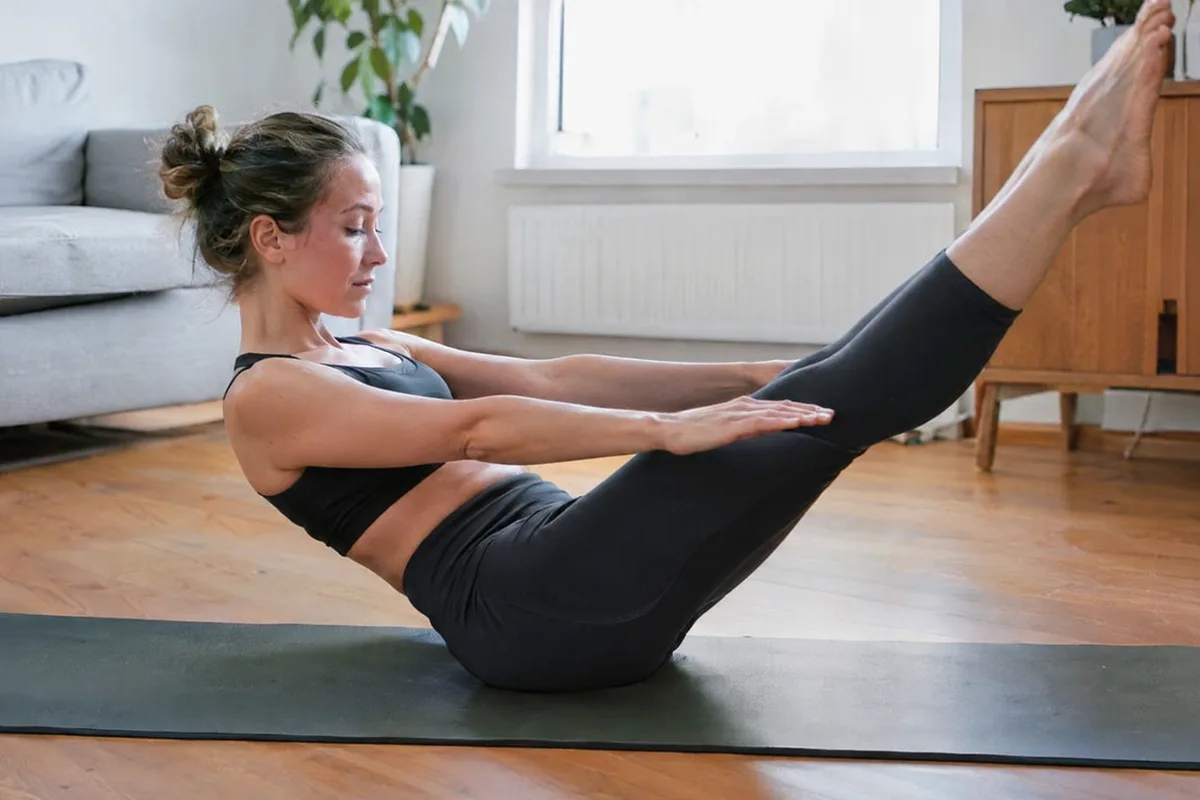
This distinction matters when you add exercise to a food log. Recording total calories as though they were all additional activity can count resting energy twice, depending on how your app sets its daily target. Check the label and use the same type of figure each time.
- Look for labels such as active, exercise or total energy
- Check whether your daily target already includes normal activity
- Avoid combining figures from two trackers for the same session
- Add a note when you are unsure which figure was reported
Keep a simple Pilates record
A useful record needs more than a calorie estimate. Note the duration, session type and general effort so you can compare similar workouts later. This context helps explain why two sessions of the same length may produce different estimates.
Describe the session in ordinary terms, such as gentle mat work, a steady mixed sequence or resistance-based Pilates. You can also note whether there were long demonstrations, frequent rests or an unusually demanding section. There is no need to record every individual exercise unless that detail helps you.
Review patterns across several comparable sessions rather than reacting to one result. If a tracker produces an unusual figure, check the duration, activity type and personal details before accepting it. Consistent recording is more useful than trying to make every estimate look exact.
- Date and session duration
- Mat, resistance-based or mixed session
- Light, moderate or higher average effort
- Any long breaks or instruction periods
- Active or total calorie estimate