
How to Choose the Best Calorie Counter App in 2026
The best calorie counter app is one that makes consistent, accurate logging feel manageable. Here are the practical criteria to use when comparing apps in 2026, especially if you already track what you eat.
Start with your reason for tracking
Before comparing features, decide what you want the app to help you understand. You might want to monitor total energy, check your protein and fibre, plan meals or notice patterns in your eating. The right choice depends on which of these jobs matters most to you.
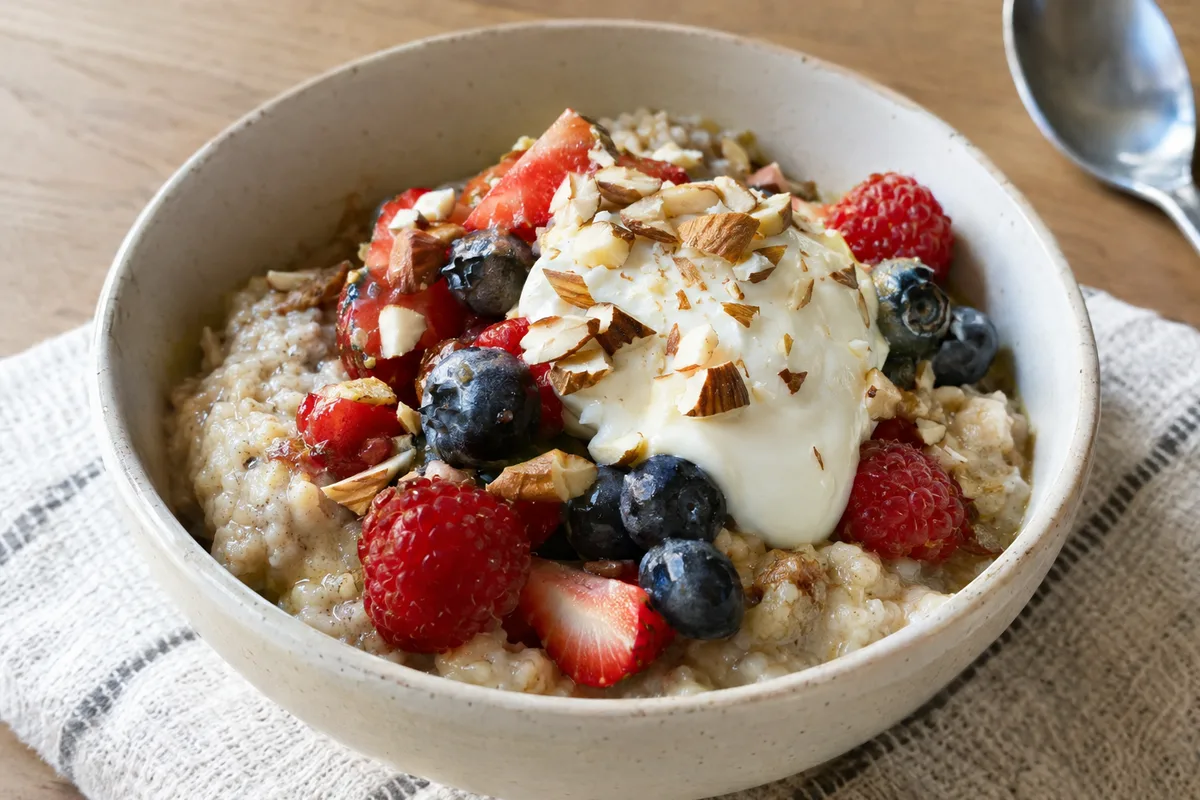
A calorie target is only an estimate, so look for an app that lets you adjust its suggested figures. Your needs can change with your body, routine, movement and goals. An app should support your decisions rather than present one number as perfect.
- Write down the main reason you track food.
- Choose the nutrients you want to see regularly.
- Decide whether meal planning or quick logging matters more.
- Check that targets can be edited when your needs change.
Check the quality of the food database
A large database is not automatically an accurate one. Entries added by users can contain missing serving details, confused units or incorrect nutrition figures. A useful app makes verified or clearly sourced entries easy to recognise.
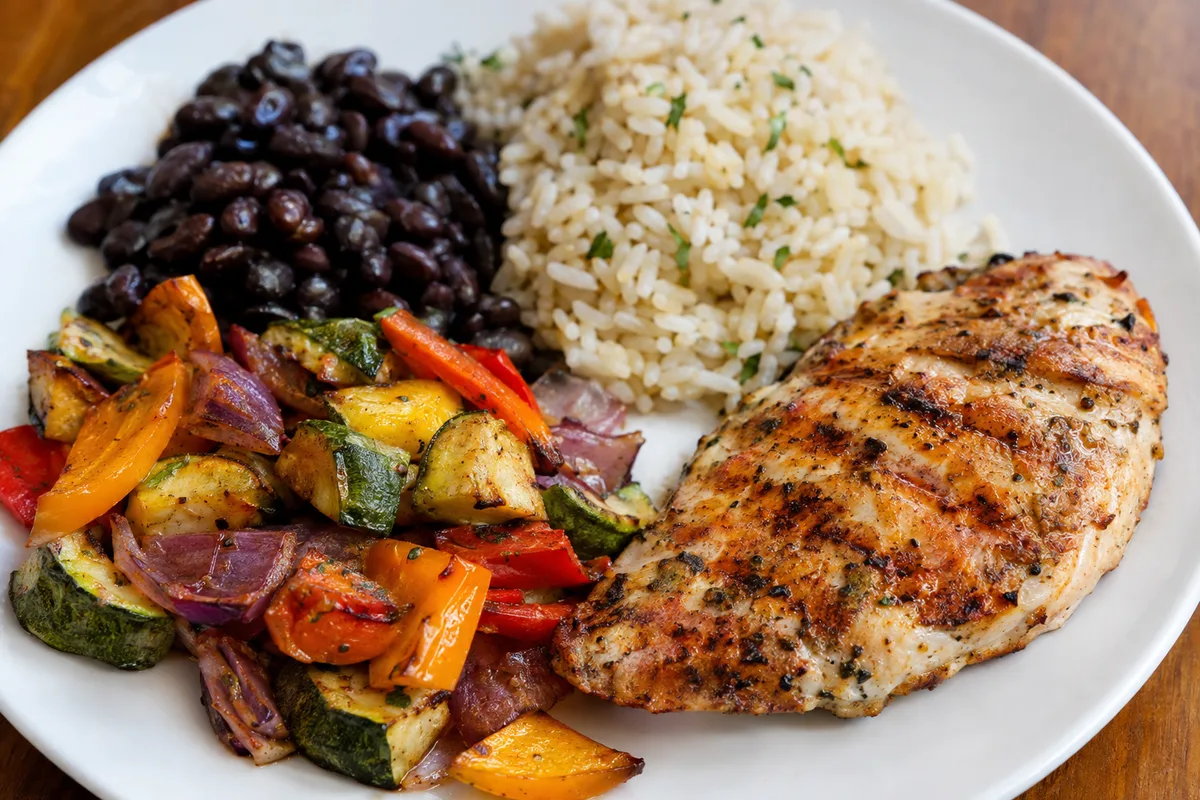
Test the database with foods you eat often, including basic ingredients, packaged foods and meals you prepare at home. Look at whether serving descriptions match real portions, such as a slice, tablespoon or cooked weight. If you repeatedly have to correct entries, everyday tracking may become frustrating.
- Search for several regular breakfast, lunch and evening meal foods.
- Compare packaged-food entries with the information on their labels.
- Check whether cooked and uncooked weights are clearly identified.
- Look for full nutrition details rather than calories alone.
- Avoid duplicate entries with conflicting figures.
Look for fast, flexible logging
The best logging method is the one you can use consistently without turning every meal into a project. Helpful options may include recent foods, favourites, copied meals and saved recipes. These reduce repeated work while keeping the record specific to what you actually ate.
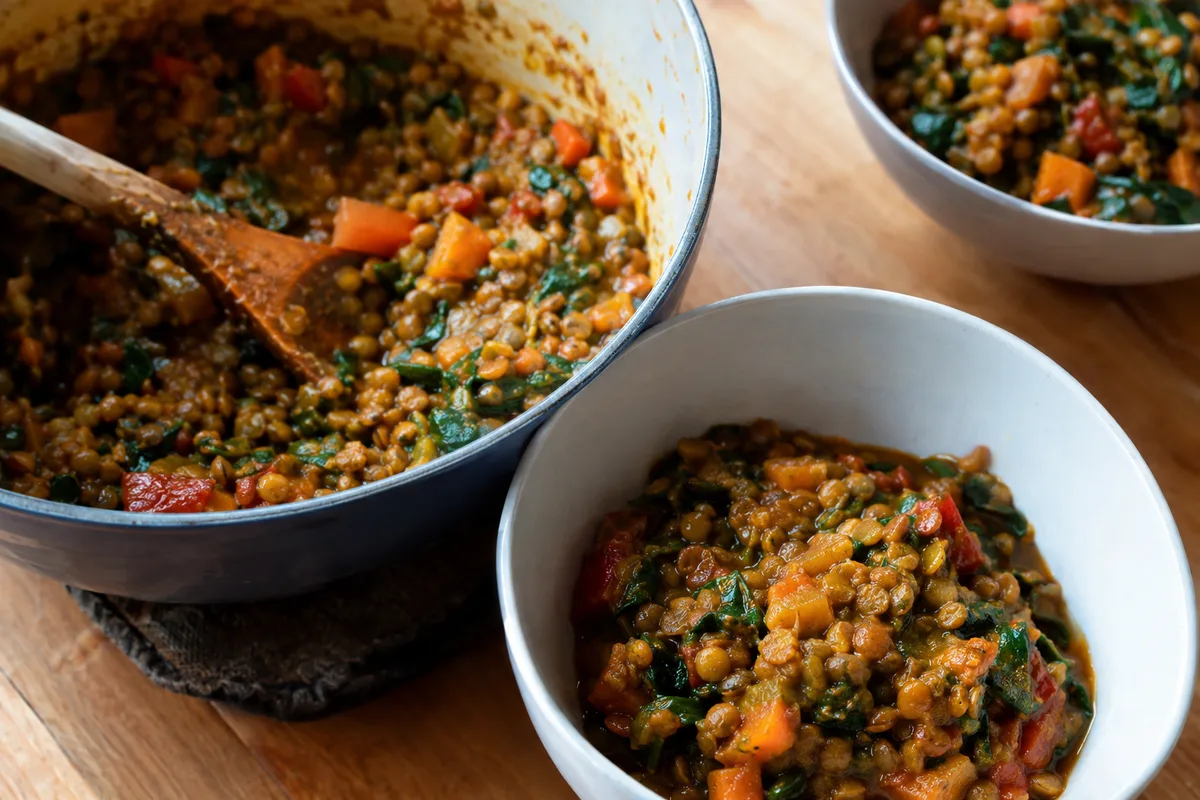
Recipe tools are particularly useful if you cook from scratch. A good tool lets you enter ingredient amounts, choose the finished number of servings and edit the recipe later. It should also be simple to change a portion when you eat more or less than usual.
- Save meals that you eat regularly.
- Create recipes for home-cooked dishes.
- Copy yesterday's meal when it is genuinely the same.
- Edit quantities without deleting the whole entry.
- Choose between grams, household measures and serving units.
Assess nutrition detail, not just calories
Calories describe the energy in food, but they do not show the whole meal. Protein and carbohydrate provide about 4 kcal per gram, while fat provides about 9 kcal per gram. Fibre, vitamins and minerals add context that can help you compare foods with similar calorie totals.
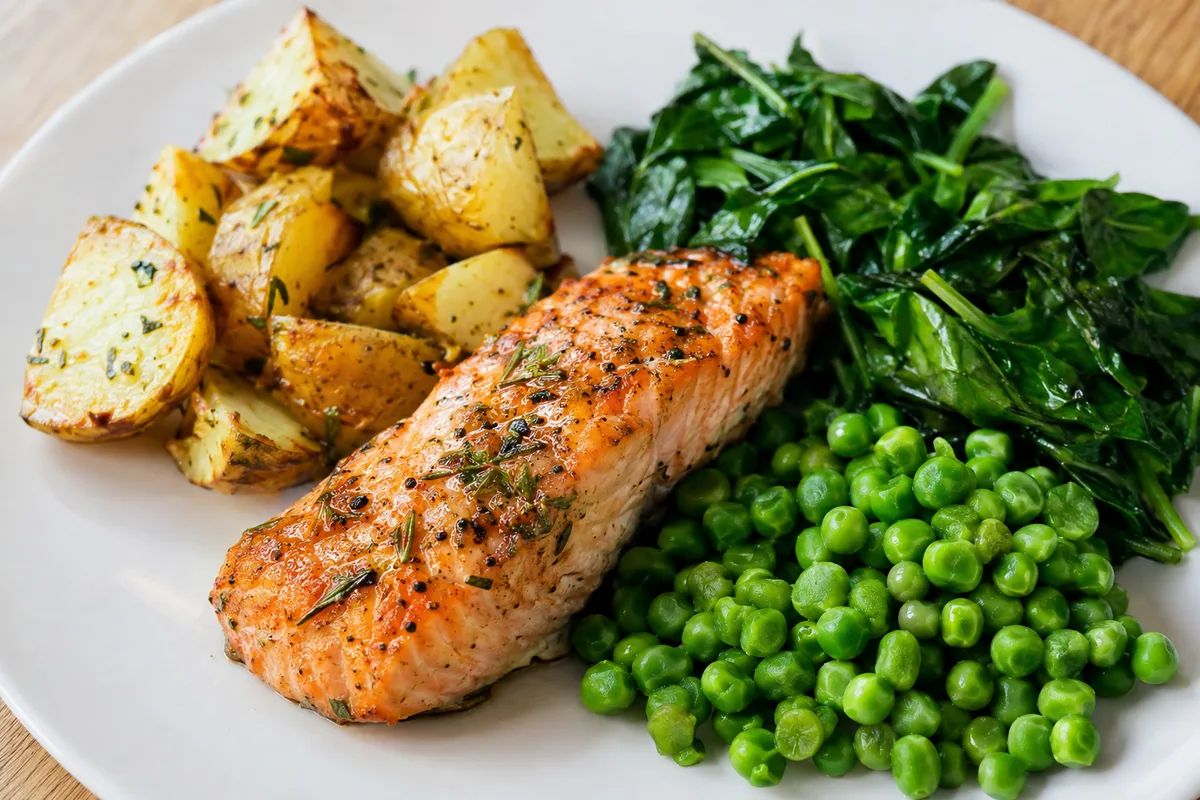
Look for a clear daily summary that does not bury useful information under charts. You should be able to see both totals and the foods contributing to them. This makes the record more useful for improving meal balance rather than simply chasing a lower number.
- Protein, carbohydrate and fat totals
- Fibre information
- Key vitamin and mineral entries where data are available
- A breakdown by meal and by food
- Weekly patterns as well as single-day totals
Choose feedback that supports real eating habits
App feedback should be informative without labelling foods or days as good, bad, clean or failed. Eating varies from one day to another, so a single total rarely tells the full story. Weekly patterns can give a calmer and more useful view.
Pay attention to whether reminders, streaks and warnings can be adjusted or switched off. Prompts may help some users, while others find them distracting. The best settings are the ones that keep tracking practical and neutral for you.
- Prefer neutral summaries over judgemental messages.
- Use weekly views to identify repeated patterns.
- Adjust reminders to suit your normal meal routine.
- Treat targets as guides rather than pass-or-fail limits.
Review privacy, exports and long-term fit
Food records can reveal details about your routine, habits and goals. Read the privacy information to see what is collected, why it is collected and whether it is shared. Also check whether you can delete your account and remove stored information.
An app can have many features and still be a poor fit if its main screens feel cluttered. Try logging a normal day, correcting an entry and reviewing a weekly summary before deciding. The strongest option is the one that combines dependable data, clear controls and a process you can realistically maintain.
- Clear privacy and data-sharing explanations
- Controls for deleting records and the account
- A way to export food and nutrient data
- Accessible text, colours and navigation
- Useful core features without distracting extras